Banking Review
Up Bank Review 2026: Fees, Budgeting Features and Travel Use
Should you choose Up Bank?
Compare Up if you want budgeting buckets, pay splitting and an Australian account for everyday spending and travel. It has no monthly service fee or Up international transaction fee. Its ordinary Savers have a five-purchase qualification test and separate Grow and Flow rules.
We may receive a referral reward through this invitation. Check the signup offer and eligibility shown by Up before opening an account.
My verdict: strong budgeting tools, with savings rules to watch
Up is worth considering if you want to organise everyday spending, bills and savings goals in one app. Pay Splitting, multiple Savers and card controls are the main reasons to choose it.
The main trade-off is Grow & Flow: ordinary Savers need five eligible card purchases each month to qualify for interest, and withdrawing from a Saver changes its rate for that month. Choose Up for how you will use the account, then assess the savings conditions.
| Sign-up bonus | $21 through our Up invitation; eligibility applies. |
| Savings rate | 5.60% Grow / 2.00% Flow |
| International fees | 0% |
| Best for | App-based budgeting |
This review covers Up’s everyday account, budgeting features, overseas use and savings conditions. The experience notes below are Lee’s; product terms and fees should be checked against Up’s current documents.
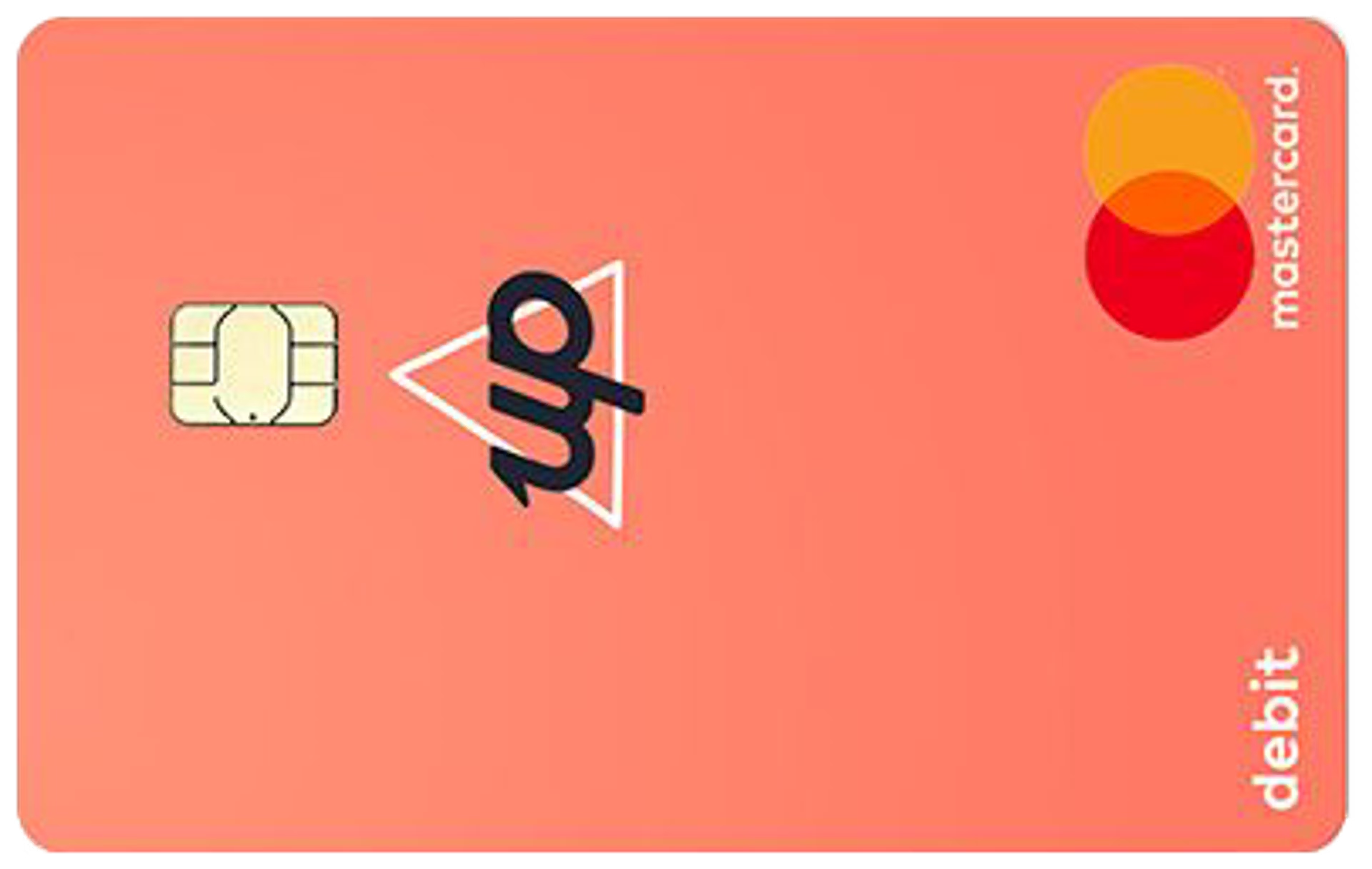
Up’s $21 invitation: what to check
Our Up invitation currently displays $21 after successful signup. It applies to eligible new customers who complete signup and identity checks. Confirm the amount and any qualifying criteria shown by Up before completing your application.
- Open the invitation and check the reward displayed.
- Complete signup and the identity checks in the Up app.
- Follow any offer requirements and check the reward status.
Invitations have a 14-day validity period. Codes may be cancelled and the amount shown during signup takes precedence over older promotional artwork. Read Up’s invitation conditions. We may receive a referral reward.
Up’s everyday banking and budgeting features
The app is still the benchmark
One of the few banking apps in Australia that feels properly designed. Real-time spending notifications, easy card controls, simple Savers, and shared-money features that actually work.
Useful for overseas spending
Spend from your AUD account overseas, with no Up international transaction fee and app controls if your card goes missing. ATM-owner fees can still apply.
Works as a real everyday account
No monthly fee, no legacy banking baggage, and a setup that genuinely beats the Big Four for daily spending, subscriptions and bills. It’s not just a holiday card — it’s a primary account.
Using Up overseas
This is where Up genuinely earns its place. I’ve used the card across Southeast Asia, Europe and the UK without paying Up a cent in fees. The notification system is the killer feature — you get a push notification with both the local currency amount and the AUD equivalent before you’ve finished tapping.
What’s free
- 0% international transaction fees
- $0 from Up’s side on overseas ATM withdrawals
- Instant card freeze/unfreeze if you lose it
- Real-time FX notifications showing both currencies
What you might still pay
- Foreign ATM operator fees — the local ATM owner can charge their own fee. Up doesn’t reimburse these (check any alternative bank’s current rebate terms).
- Currency conversion: Up passes on Mastercard’s exchange rate without adding its own markup. The final AUD cost can differ from another provider’s quote; compare the same amount and include all fees.
What this saves you in practice
Example: $3,000 spent overseas on a 2-week trip
ATM operators can still charge their own fee — this is what Up saves you, not a guarantee every overseas ATM is free.
The main catch: Grow & Flow savings
Up introduced its Grow & Flow savings system in September 2025. Ordinary Savers require five eligible completed debit-card purchases during the calendar month to qualify for Grow or Flow interest for that month.
Here’s how it actually works:
Grow rate: up to 5.60% p.a.
On any Saver you don’t withdraw or transfer from during the calendar month. Capped at $250,000 combined.
Flow rate: 2.00% p.a.
On any Saver you do withdraw from — for the entire month, even if you only withdraw once.
Ordinary Savers require five qualifying debit-card purchases per calendar month. If you miss this, they earn the 0.00% base rate. Essentials Savers are different: until 28 February 2027, they earn Flow without that purchase requirement.
The workaround: split your money across Savers
Up lets you create up to 50 Savers. The strategy is to keep most of your money in Savers you don’t touch (earning 5.60% Grow), with one or two separate “spending” Savers for money you might need (earning 2.00% Flow). Withdrawing from your spending Saver only drops that Saver to Flow — the rest keep earning the full rate.
Honest pros & cons
What I love
- App-based budgeting and card controls
- 0% international transaction fees
- $0 Up-side ATM fees overseas
- Up to 50 Savers, fully customisable
- Round-Ups, Pay Splitting, Locked Savers
- 2Up joint accounts (great for couples)
- $0 monthly fee, $0 dishonour fees
- Real-time FX notifications
Where Up falls short
- Grow & Flow is fiddlier than the old system
- Ordinary Savers need monthly purchase qualification; withdrawals affect the rate
- Doesn’t reimburse foreign ATM operator fees (check any alternative bank’s current rebate terms)
- The Mastercard conversion rate may differ from other providers’ quotes
- Check support for your preferred device or digital wallet
- No physical branches if you ever need them
Who Up is best for
✓ Great for
- Australians who want a genuinely good everyday account
- Travellers wanting no Up international transaction fee
- Couples who want proper joint accounts (2Up is excellent)
- People who value app quality and budgeting tools over rate-chasing
- Anyone building savings habits — Round-Ups and Locked Savers genuinely help
⚠ Probably not for
- People whose only priority is the highest savings rate
- Anyone who wants branch banking
- People who frequently dip into savings (you’ll lose the Grow rate)
- People who want to pre-convert and hold multiple foreign currencies
How to get started with Up
- Start your Up account application. Open the Up app, review the account terms and begin signup.
- Verify your identity. Complete the identity checks requested in the app.
- Add your digital card. Add it to Apple Pay or Google Pay if your device is supported.
- Organise your Savers. Create separate Savers around your goals and check how Grow and Flow apply before moving money.
Frequently asked questions
Final verdict
Who should consider Up Bank?
Up suits people who want to actively organise their money in an app and use the same account at home and overseas. Its main compromise is the savings qualification and withdrawal rules. Check these against your habits before applying.
Related MoneyHackHQ guides
Keep going with the most relevant next reads from the same cluster:
Fees, travel features and savings qualification checked on 29 October 2026. Rates shown use the site’s rate feed and are variable. Sources: Up pricing, Grow & Flow, overseas use and invitation terms.
Important information:
- Up’s Grow rate (up to 5.60% p.a.) applies to Savers not withdrawn from during the calendar month, on combined balances up to $250,000. Flow rate (2.00% p.a.) applies to any Saver withdrawn from. Ordinary Savers require five eligible completed card purchases each month to qualify. Essentials Savers have a temporary exception until 28 February 2027. Rates are variable and subject to change.
- Our invitation displays $21 at review time. The amount and eligibility shown by Up during signup apply. Read the current invitation terms
- Foreign ATM operator fees may apply (charged by the ATM owner, not Up).
- Up is a banking service provided by Bendigo and Adelaide Bank Limited ABN 11 068 049 178 AFSL 237879.
- Eligible deposits share the Financial Claims Scheme’s $250,000-per-person limit across all deposit products held with Bendigo and Adelaide Bank.
- This content is general information only and should not be considered personal financial advice.
- MoneyHackHQ may earn a referral bonus when you sign up using the link above.



Leave a Reply