
Banking Review · May 2026
Up Bank Review 2026: The Honest Take After 6+ Years
Australia’s best banking app, an excellent travel card, and a savings system that became more fiddly in 2025. Here’s whether it’s still worth opening after using Up since November 2019.
My verdict: still the best everyday Australian bank account
After using Up since November 2019 across 37+ countries, it’s the account I keep recommending to friends — but for slightly different reasons than I would have a year ago. The app is still the best in Australian banking, the card is still excellent overseas, and the everyday experience still beats anything the Big Four offer.
The catch: the Grow & Flow savings system that launched in September 2025 is more fiddly than a plain high-interest account. If your only goal is maximising savings interest with zero management, Ubank is easier. If you want one excellent everyday account that handles spending, travel, budgeting and savings in one app, Up is still hard to beat.
| Sign-up bonus | $21 (via referral) |
| Savings rate | 5.10% Grow / 1.75% Flow |
| International fees | 0% |
| Best for | Everyday banking & travel |
Up Bank works best for Australians who want one account that feels modern, easy to manage, and genuinely useful day to day. The app is still one of the best in the country, the card is excellent for overseas spending, and the setup stays simple enough that most people will actually stick with it.
This review is for people deciding whether Up is worth opening in 2026, whether the $21 sign-up bonus is real, and whether the savings setup is still competitive after the move to Grow & Flow.
If you’re comparing options, read this alongside my best free bank accounts guide, the Ubank vs Up Bank comparison, and my travel card comparison.
Disclosure: This review includes a referral link. If you sign up through it, we both get the $21 bonus at no cost to you. The product opinions are based on actual personal use since November 2019 across Australia and 37+ countries.
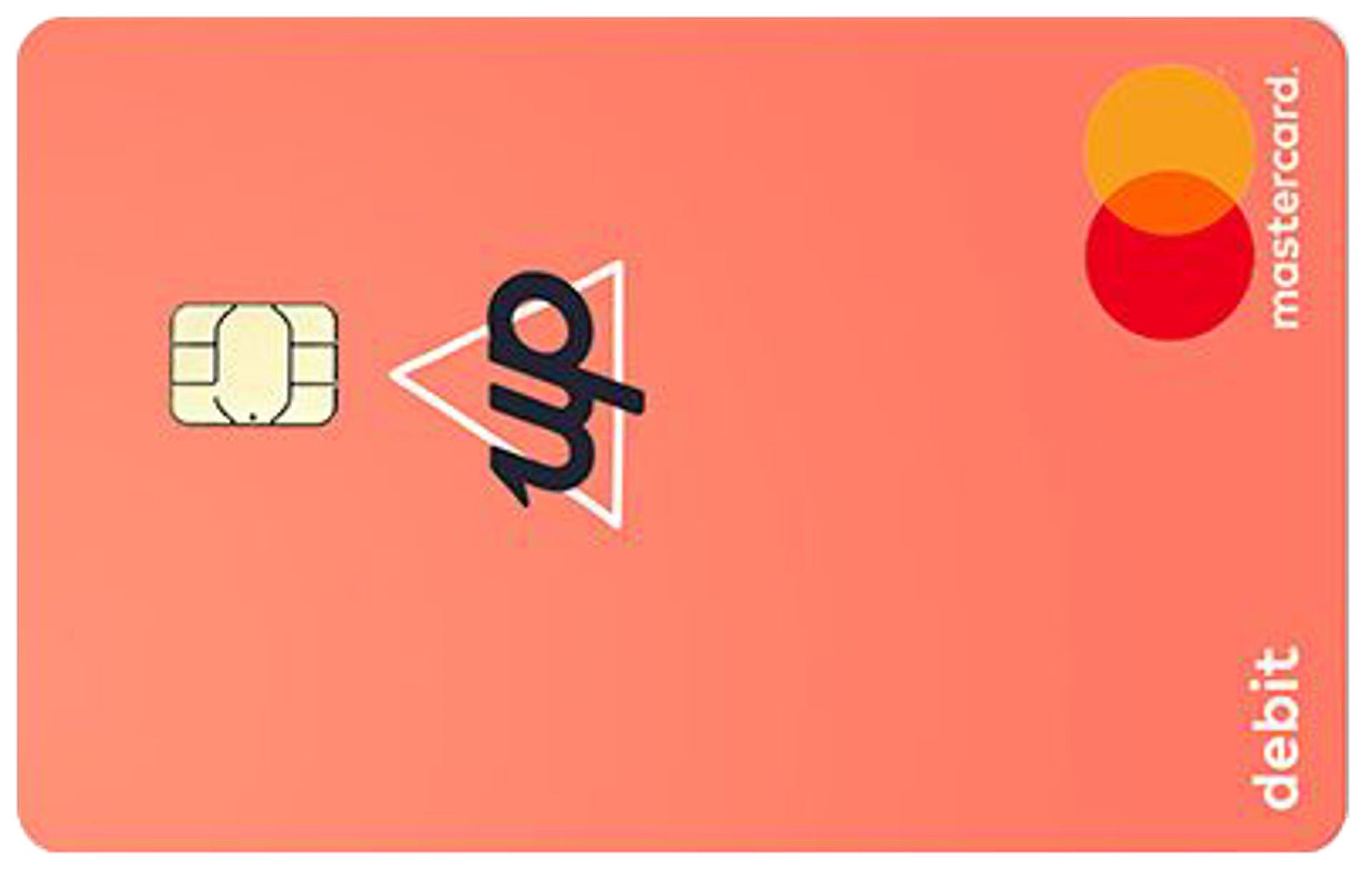
How to get the $21 sign-up bonus
Up’s referral bonus is currently $21, paid as a flat amount. The whole process takes about five minutes:
-
1
Open Up via the referral link — this attaches the $21 offer to your signup before you start the application -
2
Verify your ID in the app using your driver’s licence or passport — usually instant -
3
Wait for the bonus to land — usually within a few days of account approval
Start here
Already know Up’s the right fit? Use the live invite to lock in the $21.
This is the cleanest point in the process to get it right. Open the account through the referral first, then finish the signup in the app.
Why Up is still one of the easiest Australian bank accounts to recommend
The app is still the benchmark
One of the few banking apps in Australia that feels properly designed. Real-time spending notifications, easy card controls, simple Savers, and shared-money features that actually work.
Best simple travel card for most Australians
0% international transaction fees, no Up-side ATM fees overseas, and a card setup that stays simple. Easier to recommend than juggling Wise + Revolut + a backup card.
Works as a real everyday account
No monthly fee, no legacy banking baggage, and a setup that genuinely beats the Big Four for daily spending, subscriptions and bills. It’s not just a holiday card — it’s a primary account.
Using Up overseas
This is where Up genuinely earns its place. I’ve used the card across Southeast Asia, Europe and the UK without paying Up a cent in fees. The notification system is the killer feature — you get a push notification with both the local currency amount and the AUD equivalent before you’ve finished tapping.
What’s free
- 0% international transaction fees
- $0 from Up’s side on overseas ATM withdrawals
- Instant card freeze/unfreeze if you lose it
- Real-time FX notifications showing both currencies
What you might still pay
- Foreign ATM operator fees — the local ATM owner can charge their own fee. Up doesn’t reimburse these (ING does, which is the main reason some travellers carry an ING card too).
- Mastercard exchange spread — competitive but not the absolute cheapest. Wise and Revolut beat it on conversion for big amounts.
What this saves you in practice
Example: $3,000 spent overseas on a 2-week trip
ATM operators can still charge their own fee — this is what Up saves you, not a guarantee every overseas ATM is free.
For most Australians, the simplest setup is Up as your primary travel card, with Wise as a backup if you’re converting larger amounts.
Travelling soon? Up is the cleanest default
Wise and Revolut have their place for transfers and heavy multi-currency, but for spending overseas without fee surprises, Up is the simplest answer.
The main catch: Grow & Flow savings
In September 2025, Up replaced its old flat 3.85% saver rate with a dual “Grow & Flow” system. The change wasn’t popular — Yahoo Finance ran a piece titled “Young Aussies blast Up Bank over diabolical savings interest rate change”. Customer reaction was rough enough that some long-time users moved their savings elsewhere.
Here’s how it actually works:
Grow rate: up to 5.10% p.a.
On any Saver you don’t withdraw or transfer from during the calendar month. Capped at $250k combined.
Flow rate: 1.75% p.a.
On any Saver you do withdraw from — for the entire month, even if you only withdraw once.
Both rates require 5 settled card purchases per month to activate. Miss the 5 purchases and you earn 0% across all your Savers, no matter what.
The workaround: split your money across Savers
Up lets you create up to 50 Savers. The strategy is to keep most of your money in Savers you don’t touch (earning 5.10% Grow), with one or two separate “spending” Savers for money you might need (earning 1.75% Flow). Withdrawing from your spending Saver only drops that Saver to Flow — the rest keep earning the full rate.
It works — but it requires active management and careful naming. If you’d rather a setup where you just grow your balance by $1 a month and earn the full rate on everything without thinking about it, Ubank is genuinely easier — and the welcome rate of 5.60% beats Up’s Grow rate for the first 4 months. Long-term, the two are close (Up Grow 5.10% vs Ubank ongoing 4.85%), but Ubank applies that rate whether you withdraw or not.
Honest pros & cons
What I love
- Best banking app in Australia — not close
- 0% international transaction fees
- $0 Up-side ATM fees overseas
- Up to 50 Savers, fully customisable
- Round-Ups, Pay Splitting, Locked Savers
- 2Up joint accounts (great for couples)
- $0 monthly fee, $0 dishonour fees
- Real-time FX notifications
Where Up falls short
- Grow & Flow is fiddlier than the old system
- Beaten by Ubank on savings rate & simplicity
- Doesn’t reimburse foreign ATM operator fees (ING does)
- Wise/Revolut beat it on FX conversion for big amounts
- No Samsung Pay, Fitbit Pay or Garmin Pay
- No physical branches if you ever need them
Who Up is best for
✓ Great for
- Australians who want a genuinely good everyday account
- Travellers wanting one clean fee-free card
- Couples who want proper joint accounts (2Up is excellent)
- People who value app quality and budgeting tools over rate-chasing
- Anyone building savings habits — Round-Ups and Locked Savers genuinely help
⚠ Probably not for
- People whose only priority is the highest savings rate
- Anyone who wants branch banking
- People who frequently dip into savings (you’ll lose the Grow rate)
- Heavy international spenders who’d benefit more from Wise/Revolut on FX
How to get started with Up
-
1
Open the account through the referral link so the $21 attaches -
2
Verify ID with your driver’s licence or passport in the app -
3
Add the digital card to Apple Pay or Google Pay and start using it immediately -
4
Set up separate Savers early so Grow & Flow is easier to manage
Frequently asked questions
Final verdict
Still worth opening in 2026
Up’s app remains the best in Australian banking, the travel use case is still strong, and it’s an easy product to live with as a primary account.
The only reason not to choose it is if you’re optimising purely for savings interest — in that case, look at Ubank first. For everyday banking and travel, Up is still the one I recommend.
Both of us get $21 when you complete your signup through the referral.
Related MoneyHackHQ guides
Keep going with the most relevant next reads from the same cluster:
Last updated: 9 May 2026. Rates and conditions verified against up.com.au.
Important information:
- Up’s Grow rate (up to 5.10% p.a.) applies to Savers not withdrawn from during the calendar month, on combined balances up to $250,000. Flow rate (1.75% p.a.) applies to any Saver withdrawn from. Both require 5 settled card purchases per month to activate. Rates are variable and subject to change.
- $21 sign-up bonus requires use of a valid referral link at signup. Standard requirements apply (account approval, settled card purchases). The referrer also receives $21 once these criteria are met.
- Foreign ATM operator fees may apply (charged by the ATM owner, not Up).
- Up is a banking service provided by Bendigo and Adelaide Bank Limited ABN 11 068 049 178 AFSL 237879.
- Deposits up to $250,000 per account holder are protected by the Australian Government’s Financial Claims Scheme.
- This content is general information only and should not be considered personal financial advice.
- MoneyHackHQ may earn a referral bonus when you sign up using the link above.
Leave a Reply